
Choose one photo
Use a photo you own or have permission to use. JPG, PNG, WebP, HEIC and HEIF are supported by the homepage upload flow. Review the photo and confirm the necessary rights.
Learn how to prepare your photo, choose 16:9 or 9:16, and track your Burning Bridges video. Check output specs and common questions before you start.
Burning Bridges AI Video Generator turns one photo into a 15-second, 720p scene with the designated soundtrack. Upload, choose your format and create on the homepage; this page explains the process.
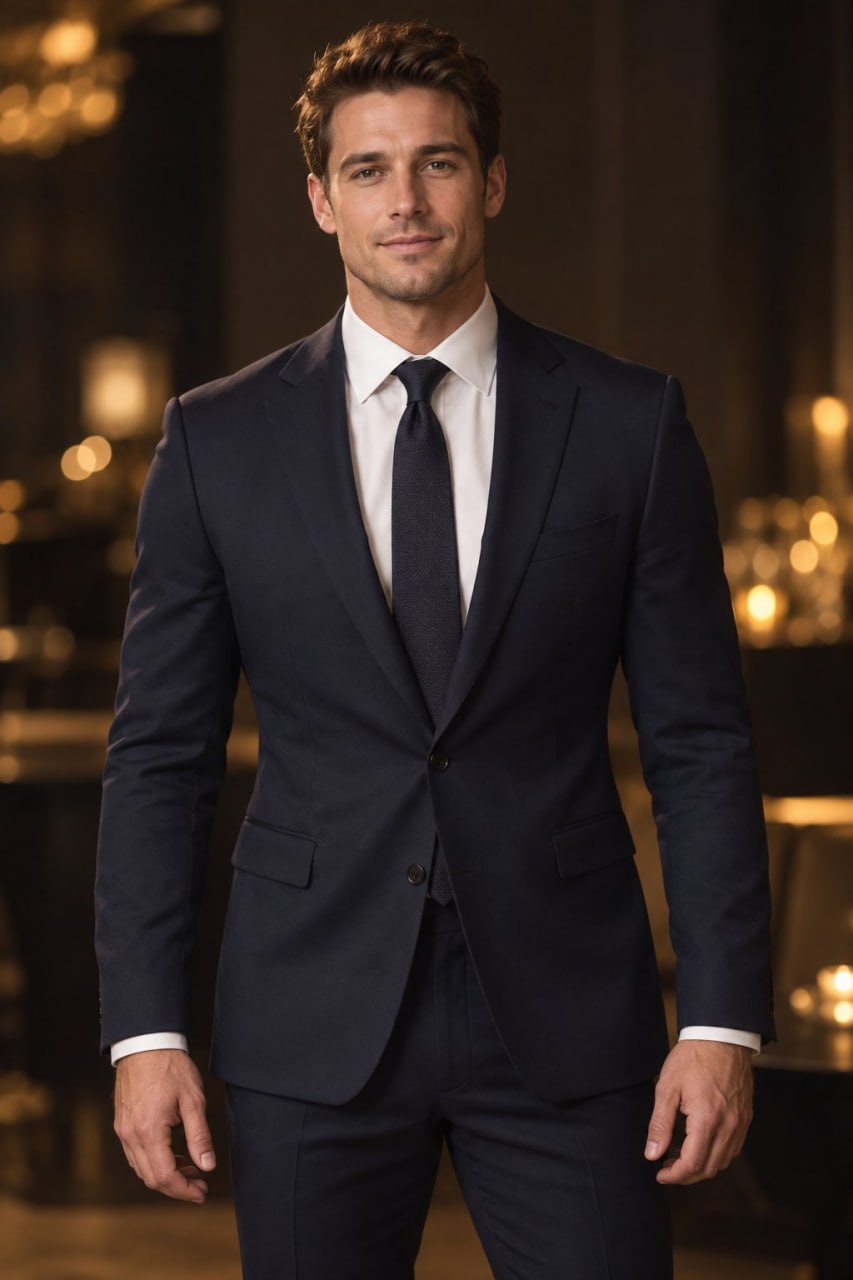
These public examples illustrate the experience; they are not a verified input–output pair. Your own photos and account videos stay private by default. AI appearance and movement vary.
Use a photo you own or have permission to use. JPG, PNG, WebP, HEIC and HEIF are supported by the homepage upload flow. Review the photo and confirm the necessary rights.
Select 16:9 Wide or 9:16 Vertical. Each new video is fixed at 15 seconds and 720p, using 10 credits. Sign in and review the one-time credit packs if you need credits.
Review and submit on the homepage. Check My videos for the saved task status, then watch or download the MP4 with audio when it is ready. You can leave and return without submitting again.
Use 16:9 Wide for a landscape scene or 9:16 Vertical for portrait viewing. The choice changes the video format, not its 15-second duration or 720p resolution. Generation time varies, and exact resemblance is not guaranteed.
Independent creative tool. Not affiliated with a performer, song or rights holder.
You need one photo you own or have permission to use. Choose a clear photo of your subject; no second photo or source video is required.
Yes. Choose 9:16 Vertical on the homepage for a portrait video, or 16:9 Wide for landscape. Both formats are 15 seconds at 720p and cost 10 credits per video.
Waiting time varies with the generation queue, service availability, audio post-processing and delivery checks. Open My videos in the same account for status, playback and the finished MP4 download. There is no fixed completion-time promise; leaving the page does not mean you need to submit again.
AI resemblance, expressions and movement can vary. A clear photo can help, but an exact likeness or creative result is not guaranteed. Only use photos you have the necessary rights and permission to process.
Choose your photo and format, and make it yours.
Create your video ↗